Getting Started with Flutter
Getting started page flutter.dev.
Create new project
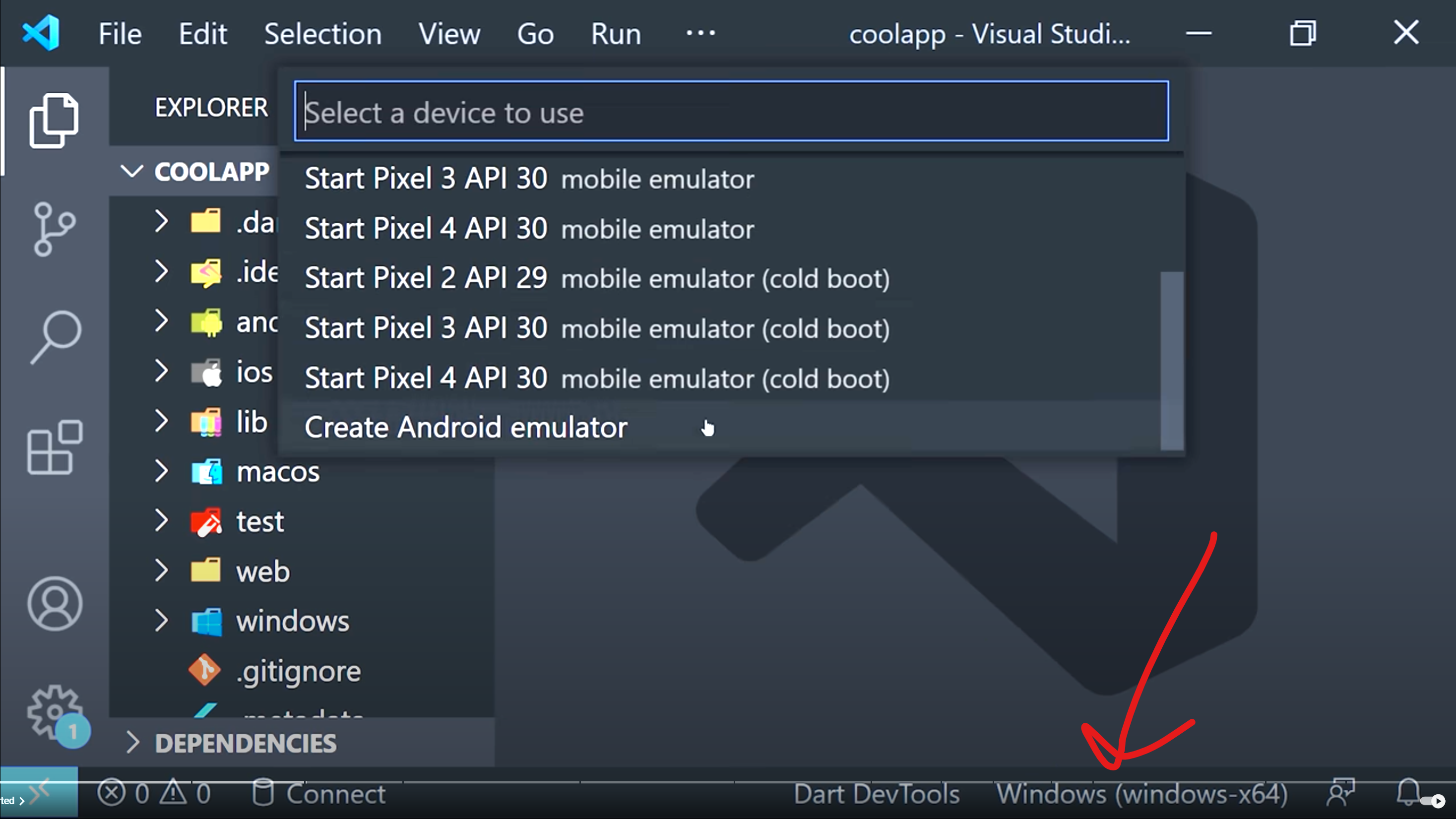
To run the app
or just hit f5
To perform hot reload simply type
into the terminal.
To create a new Stateless Widget, simply type stl into the editor.
Fonts
Add font files to /fonts then edit the pubspec.yaml file. Refresh the pubspec by entering the following into the cmd
Flutter packages
Hit the copy button next to a package (i.e. flutter_svg).
Paste it in the dependencies section within pubspec.yaml. Then run
SVG Icons
Create a folder /assets, and within that /assets/icons.
Then within pubspec.yaml, uncomment the assets block and add - assets/icons/
Refactoring Widgets
Click on a widget, i.e. Container, and hit ctr .. Then you can wrap in a widget, then type the widget (i.e. GestureDetector).